You set the year in January: 2,400 € coming in each month, 1,760 € going out. February held. March held. In early July you open the account and there is roughly 740 € less in it than the plan said there would be, and no single purchase explains where it went. Nothing broke. A restaurant here, a jacket there, a grocery run that ran 60 € long: twelve small decisions that were each perfectly reasonable.
That gap is the only number an annual budget in Excel exists to produce. Not the plan itself, which anyone can write in twenty minutes. The plan is the easy half. The hard half is knowing, in July, how far you have drifted and how much room is left before December.
Start with a list of items, not a total. One row per thing you actually earn or spend on: salary, rent, groceries, transportation, utilities, insurance, subscriptions, dining out, clothing. Each row gets a type (income or expense), a category, and one monthly amount. The annual figure is that amount times twelve, and you never type it by hand.
One household, plainly:
Planned expenses: 1,760 € a month, 21,120 € for the year. Against 28,800 € of income that leaves 7,680 €, a planned savings rate of 26.7%. Those three numbers are the entire plan.
A monthly budget flatters small recurring amounts. Subscriptions at 45 € a month read like nothing, which is exactly why nobody cancels any of them. Written as 540 € a year, next to 600 € of clothing for a whole household, the same line finally provokes a decision.
The annual frame also protects you from the opposite mistake. A 1,910 € month is not a failure if the eleven others land near 1,700 €. Judged month by month, that June looks like a lapse and you overcorrect in July. Judged across twelve months, it is noise, and the only question worth asking is whether the yearly envelope still holds.
One caution while you plan: budget what you actually spend, not what you would like to spend. Pull three months of bank statements before you write the groceries line. A plan built on aspiration produces a gap in month two, and a gap you expected to see stops being information.
The second half of the work is a plain log: one row per transaction, with the date, the item, the type, the category, the amount and a short note. The month is derived from the date rather than typed, so nothing has to be sorted or grouped by hand.
Line-level detail is what makes the log worth keeping. A monthly total tells you June cost 1,910 €. The lines tell you that 420 € of the overshoot came from dining out. Only one of those two facts can be acted on.
Two rules keep it usable. Item names in the log have to match the names in the plan exactly — "Groceries" and "groceries " are two different items to a spreadsheet, and half your spending quietly disappears from the comparison. And the note column carries the reason, not a restatement of the amount: "birthday dinner", "annual insurance instalment", "replaced the washing machine". In November you will be reading those notes to decide what next year's plan should look like.
Here is the same household on 30 June, six months in:
The fifth number is the one people misread. 9,820 € is not a surplus sitting somewhere; it is what remains of the twelve-month envelope. Six months are left, so it allows 1,637 € a month against a 1,760 € plan. To finish the year on budget you now have to live 123 € a month leaner than you intended. Half a year in, that is a series of small choices. Discover the same 740 € in November, with two months of runway, and it turns into 370 € a month, which nobody does.
Then go and find the 740 €. A table crossing months with categories splits the half-year overrun three ways: dining out at 1,140 € against 720 € planned, groceries at 2,610 € against 2,400 €, clothing at 410 € against 300 €. Every other category came in at or under plan. That changes the decision entirely. You do not need a general belt-tightening; you need to fix one line and leave the rest alone.
Two levels, one habit. In January, spend half an hour writing one row per item with its monthly amount. Touch that list again only when something structural changes: a rent increase, a new subscription, a raise.
Then, weekly, open the log and add the lines that appeared since last time, straight from the bank app. Most households produce twelve to twenty rows a month. Five minutes on a Sunday clears it, and the entries are recent enough that you still remember what the 68 € on the 14th was for.
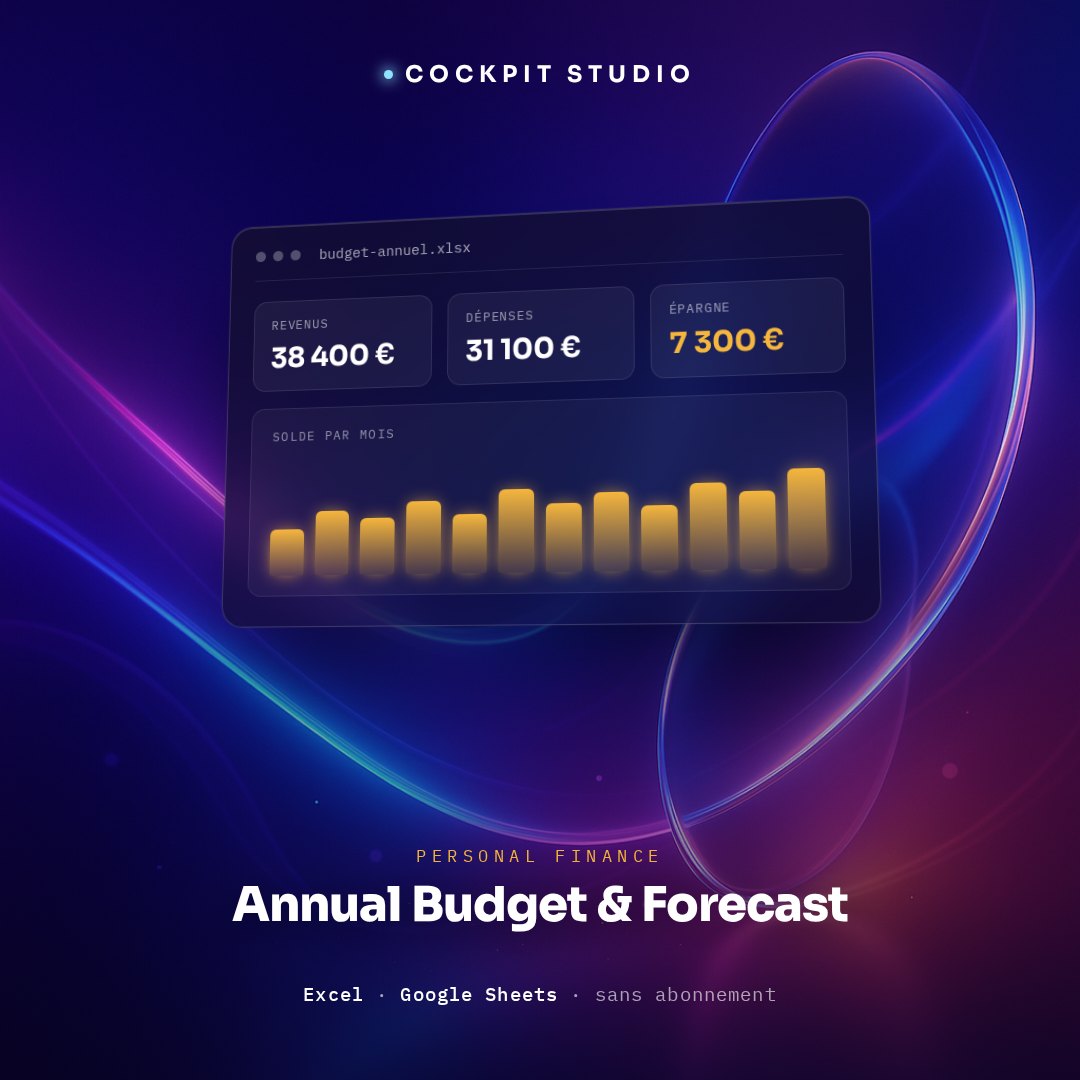
Everything after that has to calculate itself. If you have to rebuild a SUMIF to find out what June cost, you will stop in April. That is what the Annual Budget & Forecast spreadsheet handles: a Parameters tab for the planned envelopes, a Transactions tab where the month is derived from the date, and a dashboard showing actual income and expenses for the year, the annual balance, current-month expenses, the gap against the planned expense envelope and the savings rate, plus a month-by-category table, a cumulative income-versus-expenses curve across the twelve months and planned-versus-actual bars by category. It runs in Excel or Google Sheets, with no subscription.
Try one line tonight. Pick the category you would bet is closest to plan — utilities, maybe transportation — and add up what actually left the account for it since January. Divide by the number of months elapsed. If it matches the figure you had in your head, your instincts are sound for that category and you can lean on them elsewhere. If you are 20% off on the one you were sure about, you have just found out why July surprised you.
Suivi du CA, cotisations URSSAF, impôt, plafonds et TVA — calculés automatiquement. Excel + Google Sheets, barème 2026.
Obtenir le tableur →